Rainy afternoons, long car rides and doctor’s waiting rooms all have one thing in common: the moment a child says “I’m bored,” the easiest fix is a screen. A small stack of paper puzzles is a surprisingly strong alternative, as long as the sheets fit the child’s age, there’s a plan for the hour, and there’s a little game around them.
This guide shows you how to build a 60–90 minute pack from free printables, print it cheaply, keep the answer keys out of small hands and turn it into a points game, for one child, siblings or a whole class.
What you’ll need
- A few puzzle templates from NiftyShelf templates (all free, Letter and A4 versions in each ZIP)
- Pencils, an eraser and a few colored pencils
- A clipboard or a hardcover book for writing on the go
- Optional: clear sheet protectors and dry-erase markers for reusable sheets
- A computer for ten minutes of prep (our PDF tools run in your browser, nothing is uploaded)
1. Match the puzzles to the child, not the label
Age ranges on puzzle pages are a starting point. Reading level, patience and how tired the child is matter more. As a rough guide:
Around 4–6. Short tasks with a clear finish line. The first mazes in Printable Mazes for Kids (eight mazes that go from very easy to tricky, with a rocket heading for a star) are ideal for pencil control. For children who are just starting to read, Easy Word Search for Kids has big letters and words that run only across and down. Expect 5–10 minutes per sheet, and help with the first word.
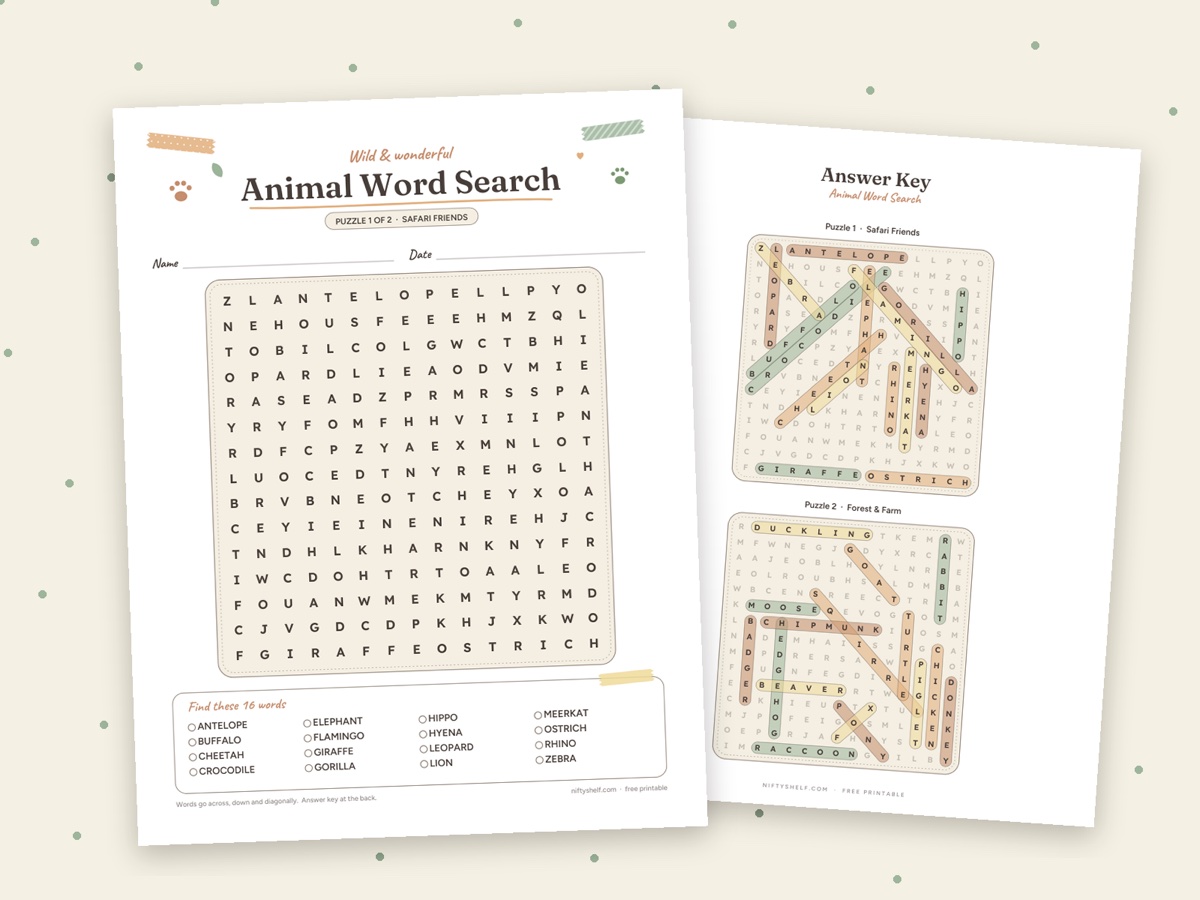
Around 7–9. Ready for diagonals and bigger grids. Animal Word Search uses 15 × 15 grids with words in three directions, and the medium and hard mazes are now satisfying rather than frustrating. Easy sudoku can work here if you solve the first one together.
Around 10–12. They want a real challenge and a reason to try. Give them the medium puzzles in Printable Sudoku: Easy to Medium (24 puzzles, each verified to have exactly one solution) or the Outer Space Word Search, and add a timer or a points target.
If a sheet causes tears within two minutes, it’s too hard today. Swap it for an easier one without comment. Finishing something builds momentum.
2. Build a 75-minute pack
A pack works best with variety: a warm-up, something that needs focus, a break away from paper, and a free-choice slot. Here is a sample pack for a 6–9 year old, about 11 printed pages:
| Item | Pages to print | Time |
|---|---|---|
| Easy Word Search for Kids, 2 of the 4 puzzles | 2 | 15 min |
| Printable Mazes for Kids, mazes 1–4 | 4 | 15 min |
| Animal Word Search, “Safari Friends” | 1 | 15 min |
| Sudoku Easy to Medium, one page of four easy puzzles | 1 | 10 min |
| Super Star Reward Chart, “road to my reward” page | 1 | ongoing |
| Blank paper for drawing a maze | 2 | 10 min |
And a schedule that has worked well for us:
- 0:00–0:05 Set up: sharpen pencils, explain the points rules (step 6).
- 0:05–0:20 Warm-up word search. Easy wins first.
- 0:20–0:35 Maze round. The child picks the order.
- 0:35–0:45 Break: snack, stretch, or a walk around the house hunting for five things that are blue.
- 0:45–1:00 The harder word search or sudoku.
- 1:00–1:10 Free choice: design a maze for someone else, or color the finished sheets.
- 1:10–1:15 Check answers together, count points, color the reward path.
Keep two spare sheets in reserve for fast finishers.
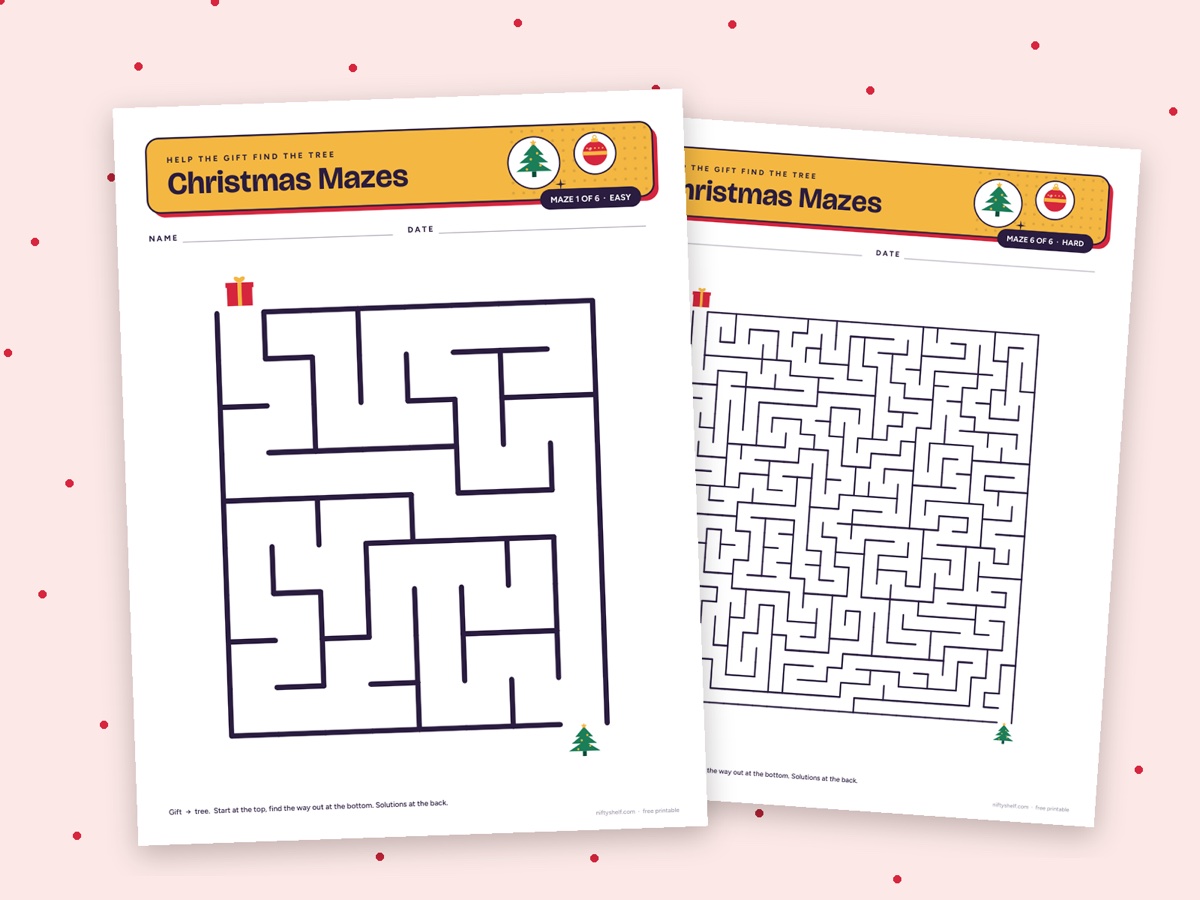
In December, swap in Christmas Mazes (six mazes, easy to hard, where you guide a gift to the tree).
3. Combine everything into one file
Rather than printing five downloads separately:
- Unzip each download and pick either the Letter or the A4 file. Don’t mix the two.
- Use Split PDF to keep just the pages you planned, for example “1-4” from the mazes file.
- Drop the pieces into Merge PDF, set the order with the arrows, and download one pack.
- If a page ended up in the wrong place, Rearrange PDF Pages lets you drag it.
Save it with a clear name like “rainy-day-pack-age7.pdf” for next time.
4. Print it cheaply
- Grayscale. Most puzzle templates are colorful, which is lovely on screen and expensive on paper. Grayscale PDF converts the pack to grayscale or high-contrast black and white, with a preview of the first page. 150 dpi is fine for puzzles. The converted pages become images, so the text is no longer selectable, which doesn’t matter for printing.
- 2 pages per sheet. In your printer’s dialog, look for “Pages per sheet” or “Multiple” and choose 2. This halves the paper for older kids, but keep full size for ages 4–6: small letters and narrow maze paths are hard for little hands. Sudoku pages already hold four puzzles, so leave them at full size.
- Print at actual size for single pages, and print a single test page before printing a class set.
- Make it reusable. Slide the sheets into clear sheet protectors and hand over dry-erase markers. Mazes and word searches can be solved, wiped and solved again, and sudoku is much less frustrating when mistakes wipe away. Test the marker on a corner first: some matte protectors stain. A dry tissue or a sock works as an eraser.
5. Keep the answer keys separate
The puzzles above keep their answers at the back of the file, which is tempting for a curious seven-year-old.
- Before merging, use Split PDF to save the last pages (the solutions) as a separate “answers” file.
- Or remove them from the kids’ copy with Delete PDF Pages, keeping your original untouched.
- Keep the printed keys in your own folder. On a trip, a photo of the key on your phone takes no space.
Check answers together at the end, and let the child spot their own mistakes.
6. Turn the pack into a small game
A simple points system keeps kids going through the harder sheets:
- 1 point per word found, 3 points per maze, 5 points per sudoku.
- Bonus point for neat work or for helping a sibling.
- Every 5 points colors one step on the 30-step path of the Super Star Reward Chart. Reaching the end earns a small, non-screen reward: picking dinner, an extra bedtime story, choosing the next family outing.
To add suspense, let the adult use a phone briefly, face-down the rest of the time:
- Spin the Wheel: type the activities, one per line, and spin to pick the next one. Turn on “Remove winner” so nothing repeats.
- Random Number Generator: roll the dice button for a bonus multiplier at the end of each round.
- Online Stopwatch & Timer: set a 10-minute countdown for a maze race. It beeps when time is up.
With siblings of different ages, give each child sheets at their own level and score sheets finished, not speed. A five-year-old finishing an easy maze earns the same 3 points as a ten-year-old finishing a hard one.
7. Packs for trips and waiting rooms
Put a clipboard, two pencils, a small sharpener and 6–8 sheets in a zip folder and keep it in the car or your bag. Mazes need less reading than word searches, which suits bumpy roads and kids who don’t like reading in the car.
8. Using the pack in a classroom
- Early-finisher folder. Keep a labeled folder of mixed levels. Students take one sheet when they finish early.
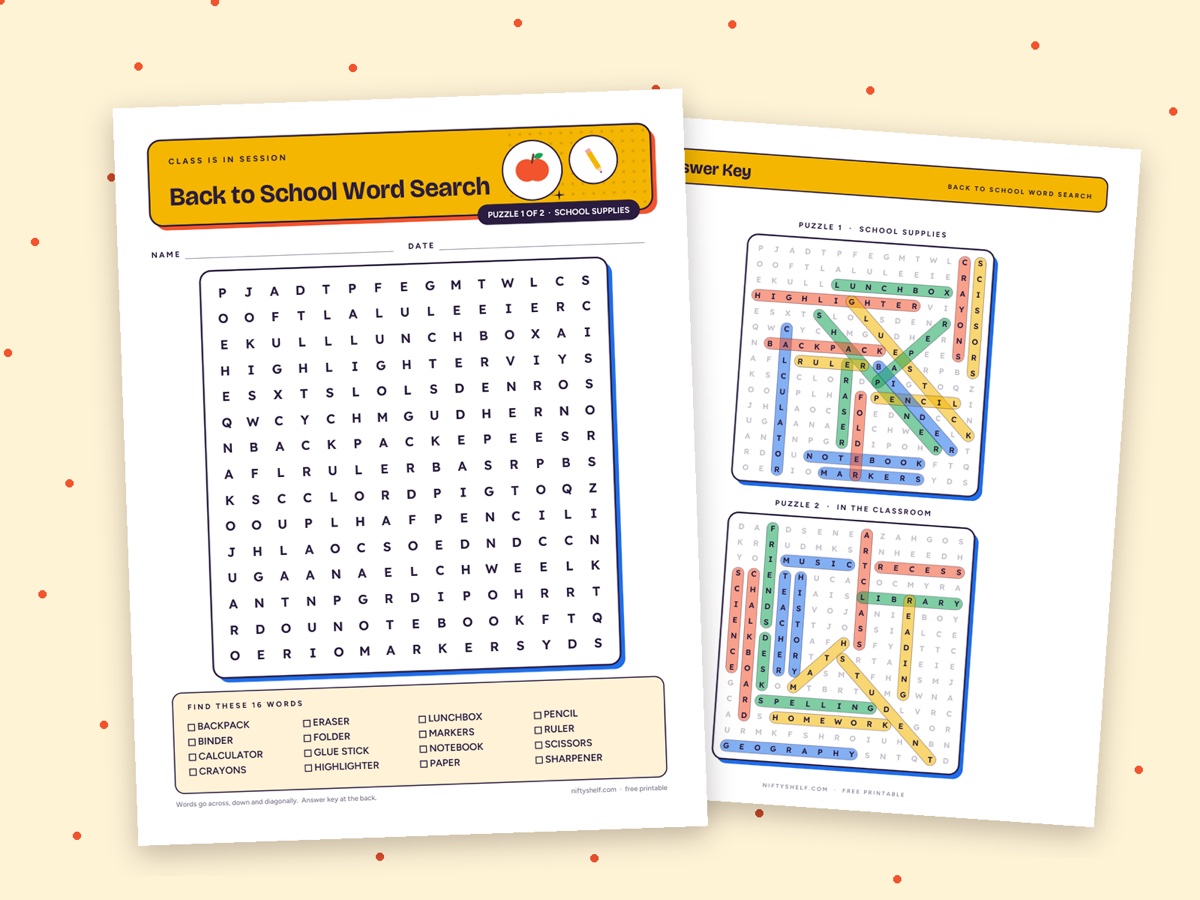
- Same theme, two levels. Pair Easy Word Search with Animal Word Search so everyone works on “animals” without anyone being singled out.
- Stations. Run a 10-minute timer per station and rotate.
- Whole-class game. Sight Word Bingo Cards gives you 30 different cards and word cards to draw.
Sleeved sheets last all year if you collect them after each session. For more on editing, printing and combining templates, see how to customize printable templates.
Common mistakes
- Choosing by the age on the label instead of what the child can do today
- Printing the answer keys in the kids’ pile
- Shrinking pages to 2 per sheet for preschoolers
- Planning 75 minutes of puzzles with no break or free choice
- Rewarding speed, so the youngest gives up
- Printing a whole class set before testing one page
FAQ
How many sheets should I print for an afternoon?
For a 75-minute session, 8–12 sheets is plenty for one child. Younger kids move through sheets faster but need more variety; older kids spend longer on each sudoku or large word search.
Can I photocopy the puzzles for my whole class?
Yes. Our templates are free for personal and classroom use. You can print and copy them as many times as you need. What isn’t allowed is reselling or re-uploading the files themselves.
Do dry-erase markers work on any sheet protector?
Most glossy protectors wipe clean easily. Some matte or textured ones leave ghost marks, so test a corner first. Remove ink within a day for the cleanest result.
Will grayscale printing make the puzzles hard to read?
Usually not. Puzzle text and lines are dark already. If a light-colored path or letter looks faint in the preview, choose the high-contrast black and white tone instead.