A recruiter with forty applications open gives yours less than a minute before deciding whether to read properly. Many rejected packets aren’t badly written. They’re a blurry scan, a file called “resume_final_v3.pdf”, or a portfolio link that goes nowhere.
This guide walks through the whole packet: choosing a layout, rewriting bullet points so they show results, deciding between one page and two, exporting a clean PDF, naming it, combining it with a cover letter and work samples, and staying under upload limits. The PDF tools linked here run in your browser, so your personal details stay on your device.
What you’ll need
- A resume template. Browse them on the resume templates page
- Your work history, with dates and, where you have them, numbers: sales, budgets, users, time saved
- A cover letter, written for this specific job
- Optional: three to six work samples, or a link to an online portfolio
1. Pick a layout that suits your field
- Single column, no photo: the safest choice for most office, finance, tech and public-sector roles, and for countries where photos are not expected on a resume. It’s also the easiest layout for screening software to read.
- Sidebar with photo and skills: useful in creative fields and in countries where a photo is still normal. Keep the sidebar for short facts (contact, languages, tools) and the main column for experience.
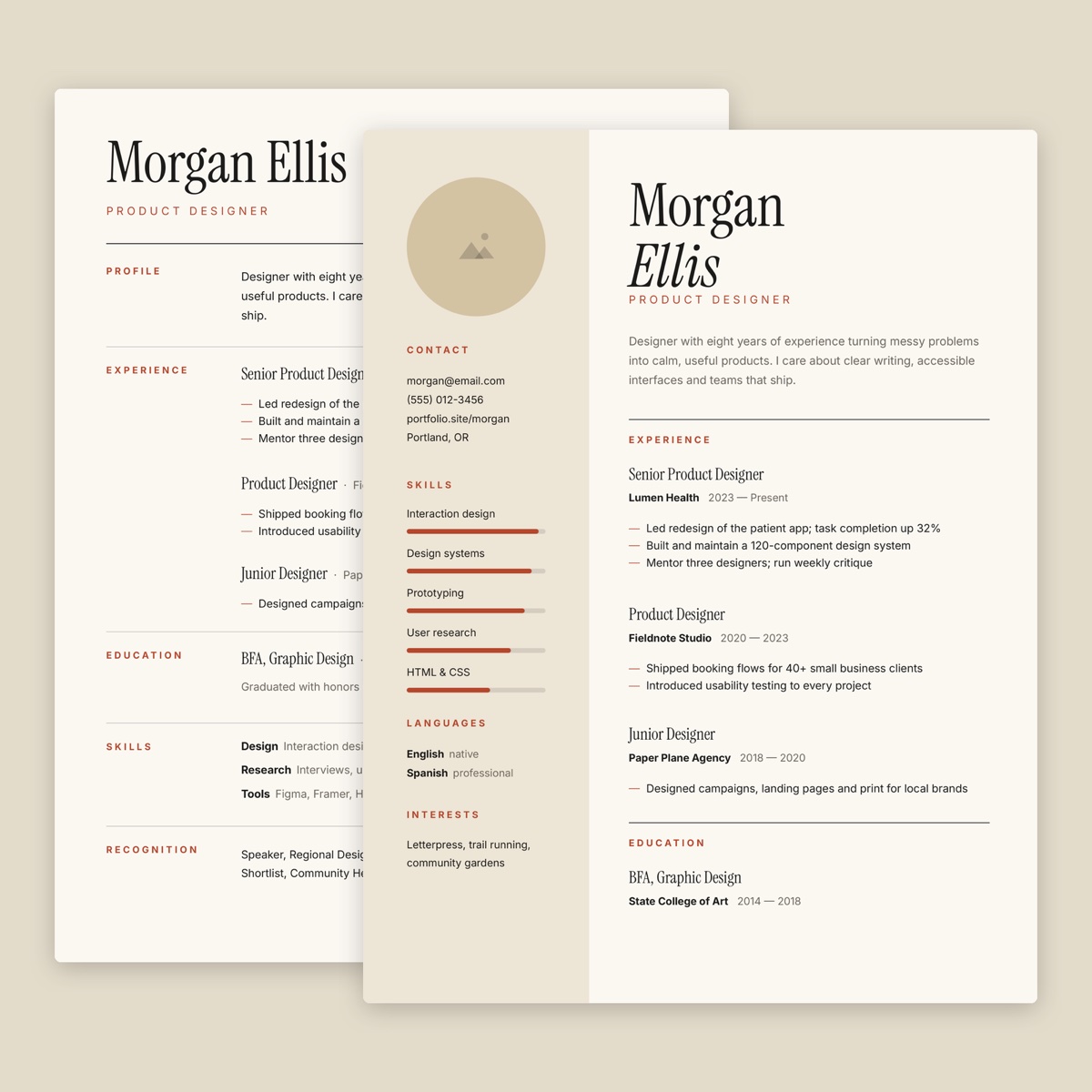
The Minimal Resume template gives you both on one file: an editorial single-column page and a sidebar page with a photo placeholder, skill bars and a languages block. It’s a slide file you can open in Google Slides or another presentation app. Delete the slide you don’t need before exporting.
The template is set to US Letter. If you’re applying in a country that uses A4, change the page size in the app’s page setup and check that nothing near the bottom gets pushed off the page.
For a photo, crop a head-and-shoulders shot to the frame’s shape with Crop Image before placing it.
2. Rewrite bullet points around results
The most common resume problem is a list of duties: what the job description said, not what you did. A simple pattern: action verb + what you did + measurable result.
| Before | After |
|---|---|
| Responsible for social media accounts | Grew the brand’s main social account from 4,000 to 11,500 followers in 10 months with a weekly video series |
| Handled customer complaints | Resolved around 25 support tickets a day and cut average reply time from two days to under six hours |
| Helped with the company newsletter | Rewrote the monthly newsletter template; open rate rose from 18% to 27% over three issues |
| Did data entry | Moved 3,200 paper client records into a spreadsheet, so staff found files in seconds instead of searching cabinets |
These are illustrative examples; use your own numbers, and only numbers you could explain in an interview. If you don’t have exact figures, honest estimates (“about 30 orders a week”) or scale (“for a team of 12”) still beat no context at all.
Three to five bullets per role is plenty. Put the strongest first: many readers stop after the second.
3. One page or two?
- One page if you have under about ten years of relevant experience, are a student or recent graduate, or are changing careers and only part of your history applies.
- Two pages if you have long, relevant experience, publications, licenses or projects the employer will actually want to see. Fill the second page at least halfway, and repeat your name on it.
Never shrink the font below about 10 points or squeeze margins to force one page. Cut old, unrelated jobs to a single line instead.
Some application forms also ask you to paste a summary or answer questions with a word or character limit. Draft the text, then paste it into Word Counter, which shows words and characters with and without spaces, so you know which way the form is counting.
4. Export a clean, text-based PDF
Send a PDF unless the employer asks for another format: it looks the same on every device.
Export directly from the template (“Download as PDF” or “Export as PDF”). Don’t print and scan it. An exported PDF keeps your text as real text: it’s sharp at any zoom, small in size (often well under 1 MB), and readable by the software some employers use to sort applications.
A quick test: open the PDF and try to select a word. If you can, the text is real. If you can’t, something turned it into a picture.
Two traps to avoid with the resume page itself:
- Don’t compress it. Compress PDF redraws pages as images to save space. Great for scans, but on a resume it makes the text unselectable.
- Fix typos in the template, not on the PDF. Edit PDF can cover old text with a whiteout box and type over it, but the new text is placed as an image, not searchable text.
5. Name files so they survive the downloads folder
Recruiters download dozens of files called “Resume.pdf”. Give yours a name that still makes sense out of context:
Firstname-Lastname-Resume-Marketing-Coordinator.pdfFirstname-Lastname-Cover-Letter.pdfFirstname-Lastname-Application-2026.pdffor a combined packet
Use hyphens or underscores instead of spaces, avoid accented letters and symbols that some portals reject, and drop “final” or “v2”.
6. Combine everything into one PDF when allowed
If a portal has only one upload box, or the posting says “send your application as a single PDF”, combine the documents. A sensible order:
- Cover letter (it’s the introduction)
- Resume
- Portfolio or work samples
- Certificates, references or transcripts, if requested
For a cover letter that matches your resume header, the Letterhead document template puts your name and contact block at the top of the page.
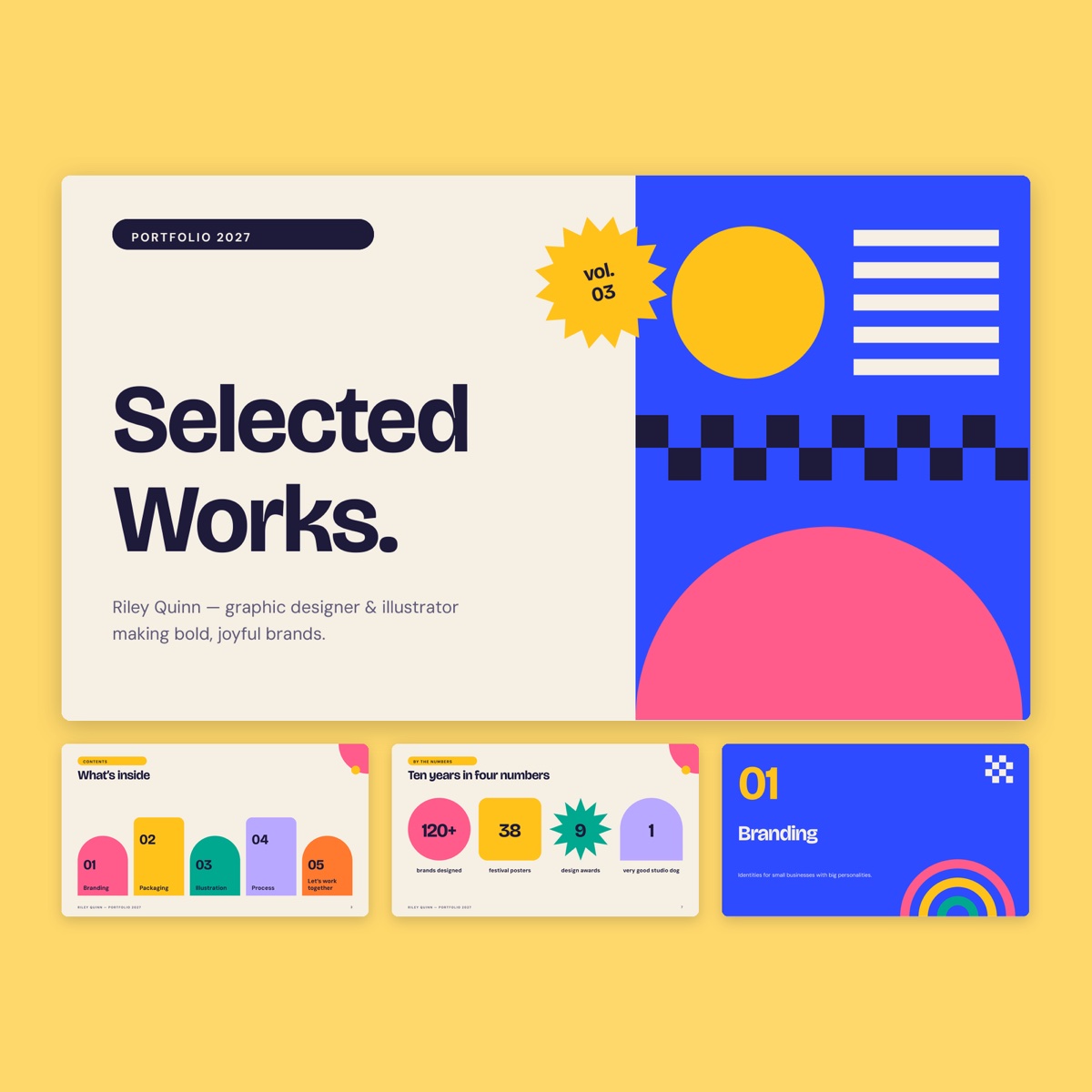
If your work samples are images (screens, sketches, photos of printed pieces), turn them into pages with JPG to PDF, choosing A4 or Letter to match your resume. Designers can also present work in the Riso creative portfolio deck, a 14-slide widescreen file with about, project and contact pages, then export the five or six strongest slides.
Then put everything in order with Merge PDF: drop the files in, use the arrows to arrange them, and download the combined file.
7. Stay under the upload limit
Limits of 2, 5 or 10 MB are common. The text pages (cover letter, resume) are rarely the problem; image-heavy portfolio pages and scanned certificates are.
So compress only those parts. Run the portfolio PDF or scanned certificate through Compress PDF on its own, check it, then merge it with your untouched resume and cover letter. For a full walkthrough with size tables, see How to shrink a PDF for email and upload limits.
8. Add a portfolio link or QR code
A link is better than attaching everything. Put the full address in your resume header as clickable text, and test it in the exported PDF: some exports lose links that were attached to shapes or images.
For printed copies at interviews and career fairs, add a small QR code. QR Code Generator makes a static code with no expiry or tracking; download it as PNG for the template and keep it dark on a light background, about 2 cm (0.8 in) wide. Print the short address next to it too.
9. Sign the cover letter if it’s expected
In some countries a signed cover letter is standard. Sign PDF lets you draw or type your signature and place it above your printed name. It adds a picture of your signature, which is fine for a letter but isn’t a certificate-based digital signature.
Before you submit: a checklist
- Is the resume one file, with the unused template slide deleted?
- Can you select text on the resume page?
- Does every link open, including the portfolio link and email address?
- Are the file names clear, with no “final” or “v2”?
- Is the order right: cover letter, resume, samples?
- Is the total at least 10% under the upload limit?
- Does the cover letter mention the right company and job title?
Common mistakes
- Sending the editable slide or document file instead of a PDF
- Compressing the whole packet, so the resume text turns into an image
- Copying duties from the job description instead of describing results
- Reusing a cover letter and leaving the previous company’s name in it
- Attaching twenty portfolio pages when five strong ones would be read
FAQ
Should I put a photo on my resume?
It depends on the country and field. Many English-speaking employers prefer no photo, while it’s still common in parts of Europe and Asia. Follow the job posting, and use the single-column layout when unsure.
Is one combined PDF better than separate files?
Use separate files when the portal has separate boxes for each document. Combine them when there’s only one upload, or when the posting asks for a single PDF.
How do I keep the resume searchable but the file small?
Export the resume directly to PDF and don’t compress it. Compress only scanned or image-heavy parts, then merge.
Are my documents uploaded when I use these tools?
No. Merging, compressing, signing and converting happen in your browser, so your resume and personal details stay on your device.