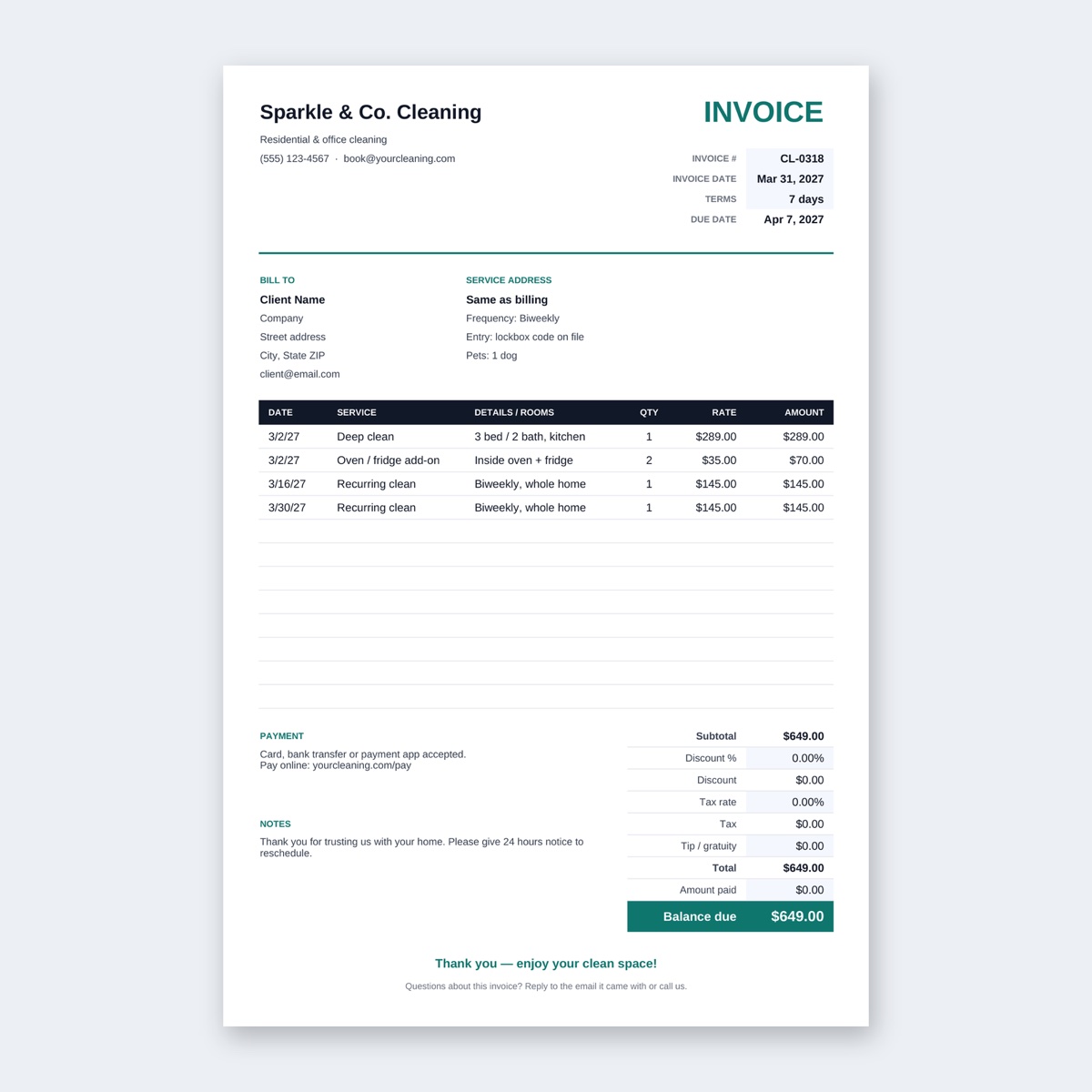
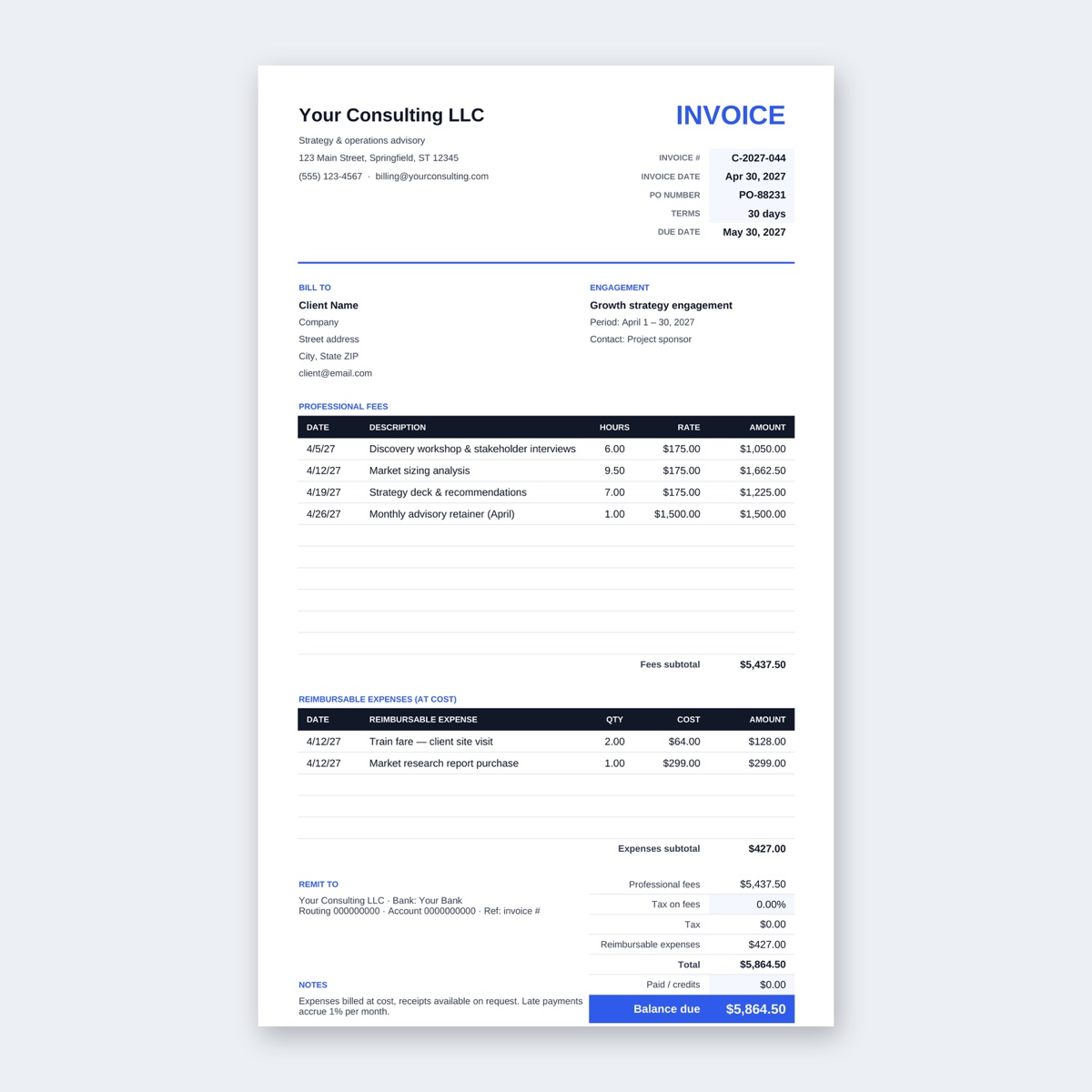
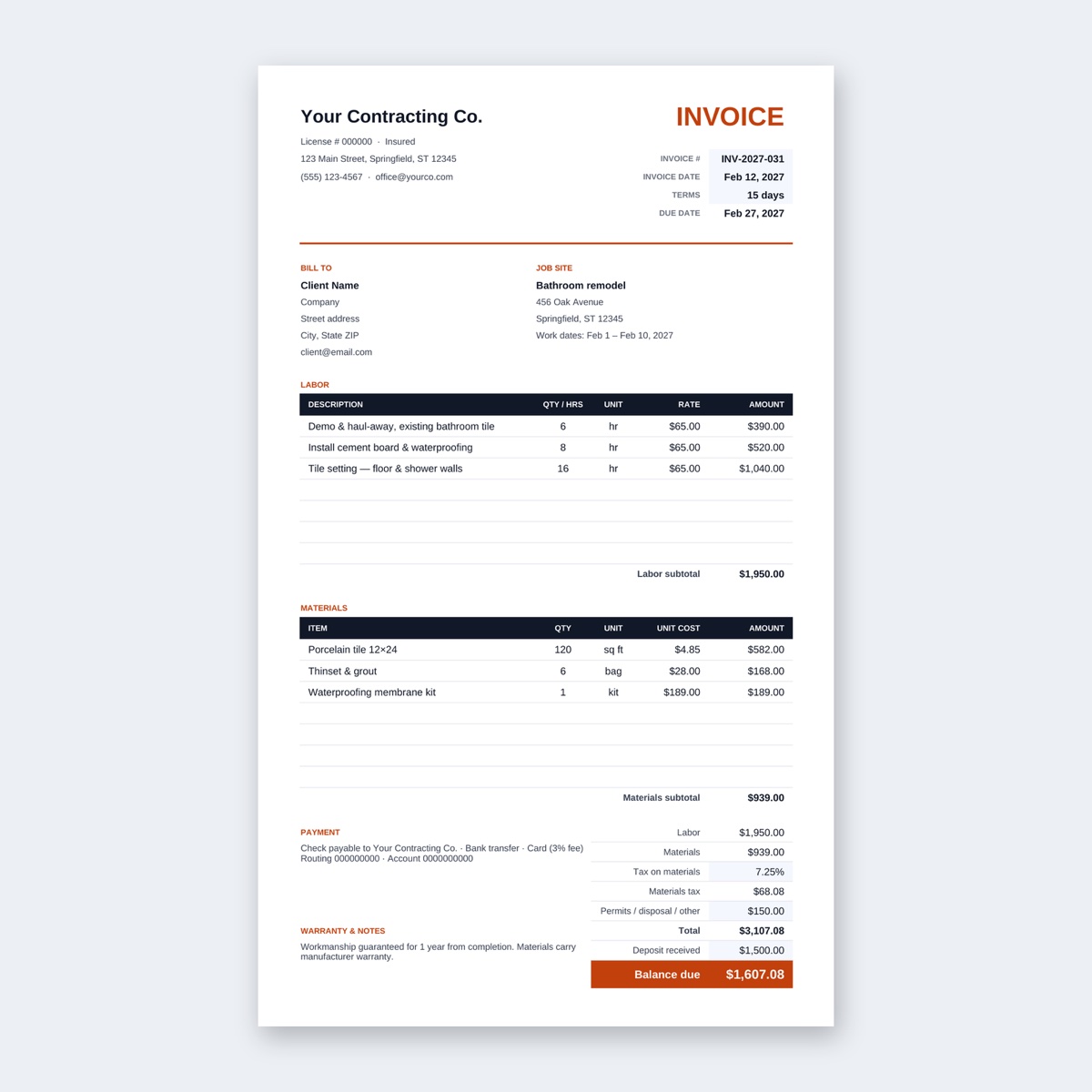
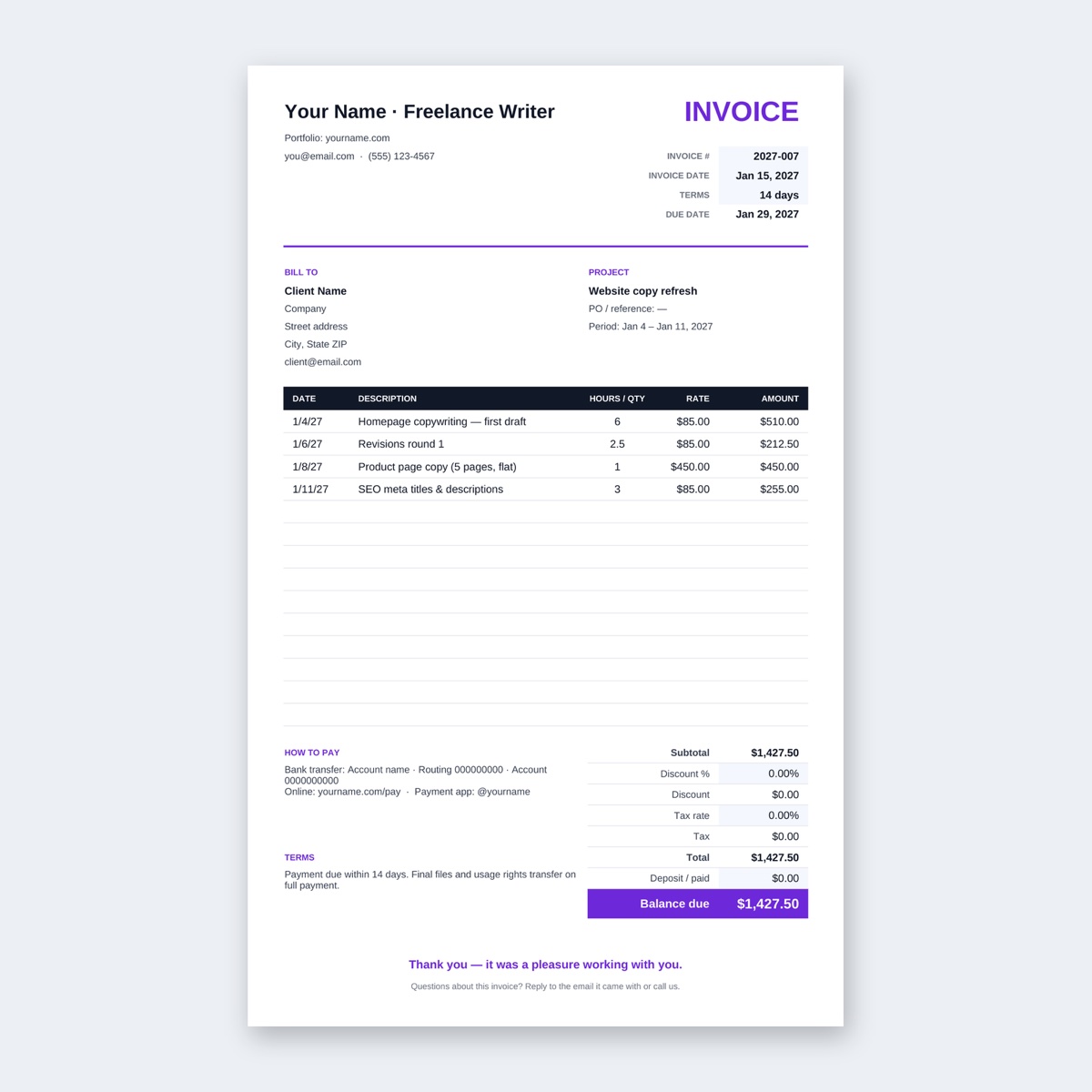
Most late payments aren’t about difficult clients. The invoice landed in the wrong inbox, had no clear due date, or was missing the purchase order number the accounts team needed. A clear invoice is the cheapest way to get paid faster.
This guide is for freelancers and small businesses who bill a few clients a month. By the end you’ll have a numbering system, an invoice that answers every question in advance, a PDF ready to send, and a polite plan for when the money doesn’t arrive.
What you’ll need
- An invoice template. Browse all of them on the invoice templates page
- A spreadsheet or word-processing app to fill it in, and its “Save as PDF” or “Export as PDF” option
- Your agreed price, the client’s billing details, and any PO number they gave you
- A browser for the PDF tools below (they run on your device, so nothing is uploaded)
1. Pick a template that matches how you charge
- Mix of hourly and flat fees: the Freelancer Invoice puts date, task, hours and rate on each line and works out the deposit and balance due for you. For a flat-fee line, type 1 in the hours column and the full price as the rate.
- Hourly work with changing times: the Hourly Invoice with Time Log takes start and end times, subtracts unpaid breaks and handles sessions that run past midnight. When your rate goes up, you change one cell.
- You’d rather type than use formulas: the Clean Invoice for Word is a one-page document with a bill-to block, item table, totals box and payment details. Word doesn’t add up the table by itself, so do the math before you fill the totals box.
Fill in your own details once and save a blank master. Every new invoice starts as a copy.
2. Include everything the client’s accounts team needs
The person who approves your invoice often isn’t the person you worked with, so write it for a stranger. A complete invoice has:
- The word “Invoice” and a unique invoice number
- Invoice date and due date, written as real dates
- Your name or business name, address and contact email
- The client’s legal or business name and billing address, plus a contact person
- Their PO or reference number, if they gave you one
- Line items: what you did, quantity or hours, rate and amount
- Subtotal, any tax, any deposit already paid, and the balance due, with the currency
- How to pay: account details or a payment link, and the reference to use
Some places require extra items such as a tax ID, a registration number or specific wording. Check your local rules before you send your first invoice and add those fields to your master copy.
A worked example: a designer billing a café for a logo project, with a deposit paid at the start.
| Item | Qty | Rate | Amount |
|---|---|---|---|
| Logo refresh (flat fee) | 1 | 1,200.00 | 1,200.00 |
| Menu board designs | 3 | 150.00 | 450.00 |
| Extra revisions beyond 2 included rounds (hours) | 3.5 | 60.00 | 210.00 |
| Subtotal | 1,860.00 | ||
| Deposit received 6 Oct 2026 | −600.00 | ||
| Balance due (USD) | 1,260.00 |
The third line answers “why am I paying for revisions?” before anyone asks. Specific descriptions get approved faster than “design services”.
3. Number your invoices so nothing gets lost
Use the year plus a running number: 2026-001, 2026-002 … 2026-014. Number 2026-014 is your fourteenth invoice of 2026. It sorts properly in any folder and makes year-end bookkeeping simpler.
- Never reuse a number, even for a cancelled invoice. Keep it and mark it “Void”.
- Don’t change an invoice after it’s been sent. If something was wrong, issue a correction or credit note under a new number (how this works depends on where you are, so check your local rules), and tell the client which invoice it replaces.
- Put the same number on the invoice and in the file name.
4. Set clear due dates and payment terms
Payment terms tell the client how long they have to pay:
- Due on receipt: pay now. Good for small one-off jobs.
- Net-14: due 14 days after the invoice date. A sensible default for freelancers.
- Net-30: due 30 days after the invoice date. Common with larger companies that pay in monthly batches.
Always write the actual date next to the term, for example “Net-14, due 18 November 2026”. On its own, “Net-14” leaves the client counting, sometimes from the day they opened the email. Some of our Excel invoices fill in the due date from your terms, so you only type the invoice date.
Agree the terms up front, ideally in your quote. For bigger projects, ask for a deposit before you start (30–50% is common) and show it as a line on the final invoice, as in the example above. If you want to charge a late fee, agree it in writing in advance and make sure it’s allowed where you work.
5. Export to PDF, name it well and send it
Send a PDF, never the editable file. A PDF looks the same everywhere and can’t be changed by accident.
Name the file so it makes sense in someone else’s downloads folder:
Invoice_2026-014_MinaChoDesign_HarborCafe.pdf
Then write a short email with the key facts in the subject line:
Subject: Invoice 2026-014 – Harbor Café logo project – due 18 Nov 2026
Hi Sam,
Attached is invoice 2026-014 for the logo refresh and menu boards. The balance after your deposit is USD 1,260.00, due by 18 November 2026. Payment details are at the bottom of the invoice; please use 2026-014 as the reference.
Thanks again, it was a pleasure working on this. Mina
Send it to the client’s billing address and copy your project contact. Not sure who pays invoices? Ask before you send, not after it’s late.
6. Sign it, attach a timesheet, and send a receipt when paid
Signing. Most invoices don’t need a signature, but some clients and agencies ask for one. Sign PDF lets you draw your signature or type it in a handwriting style and place it on the page. It adds a picture of your signature, not a certificate-based digital signature.
Timesheets and supporting pages. For hourly work, attach proof of the hours. Export your time log or timesheet to PDF, then combine it with the invoice in Merge PDF, invoice first. If a merged file with scanned receipts gets too big to email, Compress PDF can shrink it. Compressed pages become images, so keep the original too.
When the money arrives. If a client wants proof of payment, send a receipt from the Simple Sales Receipt, which has a payment-method dropdown and calculates the total paid. Or make a copy of the invoice and stamp “PAID 15 Nov 2026” across it with Add Watermark to PDF. Keep the unstamped original in your records.
7. Chase late payments politely
Put the due date in your calendar when you send the invoice. If it passes, follow up on a steady schedule:
- 1 day late: a friendly reminder (below). Most cases end here.
- 7 days late: reply to the same email thread and ask if anything is holding up approval. Suggest a quick call.
- 14–30 days late: a firmer note that refers to the terms you agreed. Pause new work until the invoice is paid.
Subject: Reminder: invoice 2026-014 was due 18 Nov
Hi Sam,
Just a quick note that invoice 2026-014 (USD 1,260.00) was due yesterday. I’ve attached it again in case it got buried. Could you let me know when payment is scheduled, or if you need anything else from me to process it, like a PO number?
Thanks, Mina
Always resend the PDF with the exact amount and number, so the reminder can be forwarded straight to whoever pays.
Common mistakes
- Writing “Net-30” without the actual due date
- Sending the editable file instead of a PDF
- Vague line items like “work done in October”
- Forgetting the client’s PO number, which can stall payment for weeks
- Reusing an invoice number, or editing an invoice after it was sent
- Waiting weeks before the first reminder
FAQ
What’s the difference between a quote, an invoice and a receipt?
A quote is your proposed price before the work starts. An invoice asks for payment once the work or a milestone is done. A receipt confirms you’ve been paid. Use the same project name on all three.
Can I edit an invoice after sending it?
It’s better not to. Issue a corrected invoice or credit note under a new number and say which one it replaces. The exact rules vary by country, so check your local requirements.
Do I need to sign my invoices?
Usually not. If a client asks, Sign PDF places an image of your signature on the page. For a certificate-based digital signature, ask the client what they accept.
Should I use the Excel or the Word template?
Excel calculates totals, deposits and due dates for you. Word suits very simple invoices you’d rather type. Both export to PDF. For more on editing and combining templates, see the printable templates guide.