Most paper planners don’t fail in January. They fail in March, when the pages stop matching what’s actually happening. The fix isn’t a prettier planner. It’s a small system: one page for the year, one page for each month, one sheet for each week, and a short routine that moves information from one level down to the next.
This guide shows you how to set that up for 2027 with free printables, combine everything into one PDF, print and bind it at home, and keep using it after the new-year enthusiasm wears off. November is the right time to start: you have a few weeks to test the routine on December before the real year begins.
What you’ll need
- A few templates from the 2027 calendars collection
- A computer with an up-to-date browser (our PDF tools run in the browser, so your files stay on your device)
- A printer, regular paper and a few sheets of cardstock
- A hole punch and a binder, or a large binder clip
1. Decide which layouts you actually need
Each layout answers a different question, so pick by question, not by looks.
- Yearly: “When is it?” All twelve months on one page. Best for birthdays, trips, school breaks, renewals and deadlines. Too small for appointments.
- Monthly: “What’s this month like?” One grid per month, with room for appointments, bills and a few priorities. If you only print one layout, print this one.
- Weekly: “What am I doing on Tuesday?” One sheet per week for tasks. Useful when your days change a lot; skip it if your weeks look alike.
A busy household usually needs yearly + monthly. A freelancer or small business benefits from all three. A student can live on monthly + weekly, using the yearly page only for exams and breaks.
Also decide now whether your week starts on Sunday or Monday, and keep it the same on every page. Mixing the two is the fastest way to write something on the wrong day.
2. Build a three-layer pack (about 20 pages)
Here’s a complete 2027 setup made from NiftyShelf templates, with real page counts:
| Layer | Template | Pages you keep |
|---|---|---|
| Year | 2027 Yearly Calendar on One Page (Landscape) | 1 of 2 (Sunday or Monday start) |
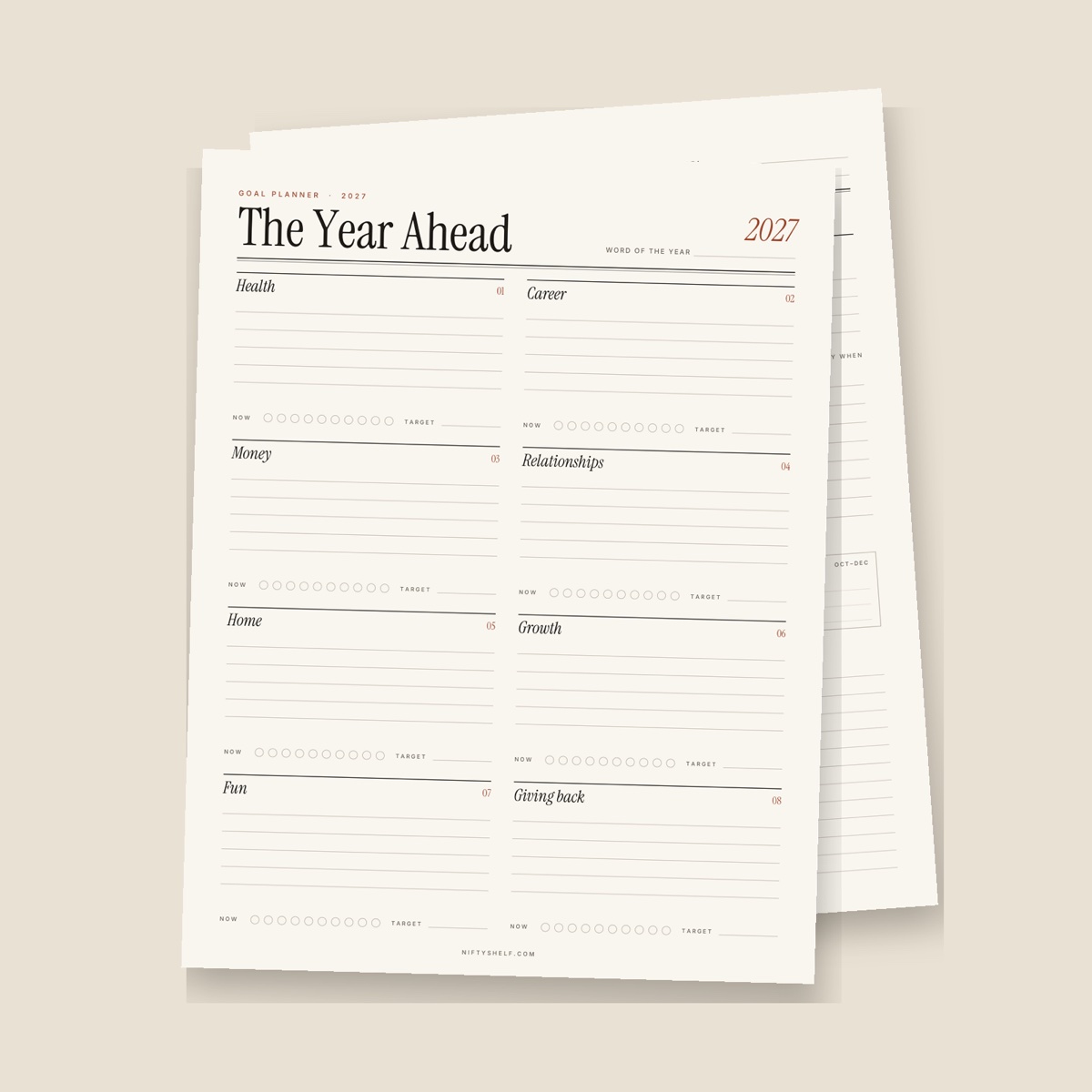
| Goals | The Year Ahead: 2027 Goal Planner | 6 |
| Months | 2027 Monthly Calendar with Notes | 13 (cover + 12 months) |
| Weeks | Weekly To-Do List | 1, printed 4–5 times a month |
That’s a 20-page core you print once, plus weekly sheets in small batches. Printing every week in advance would take 53 sheets: January 1, 2027 is a Friday, so the first Monday-to-Sunday week starts on December 28, 2026. A year of weekly sheets printed in November almost guarantees waste.
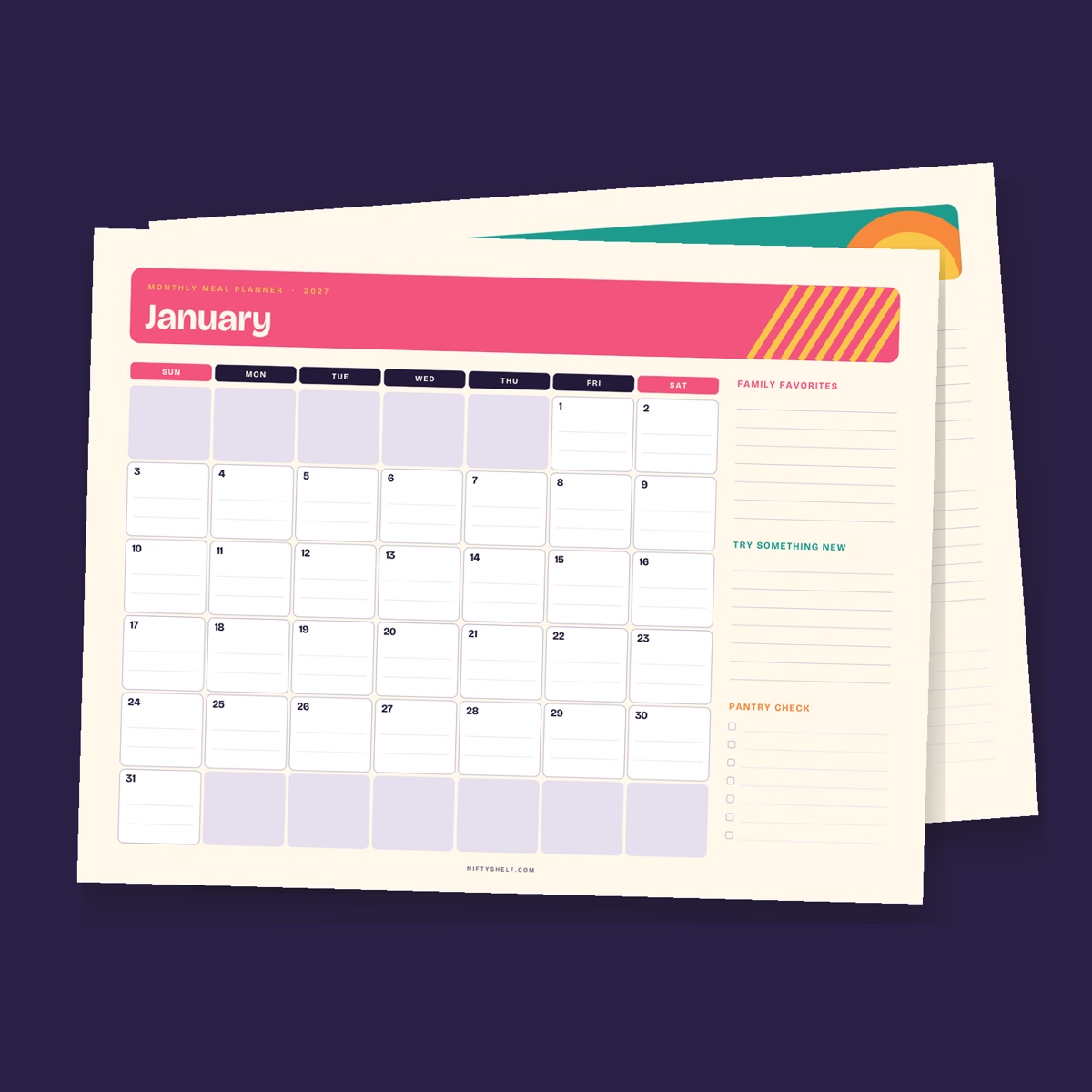
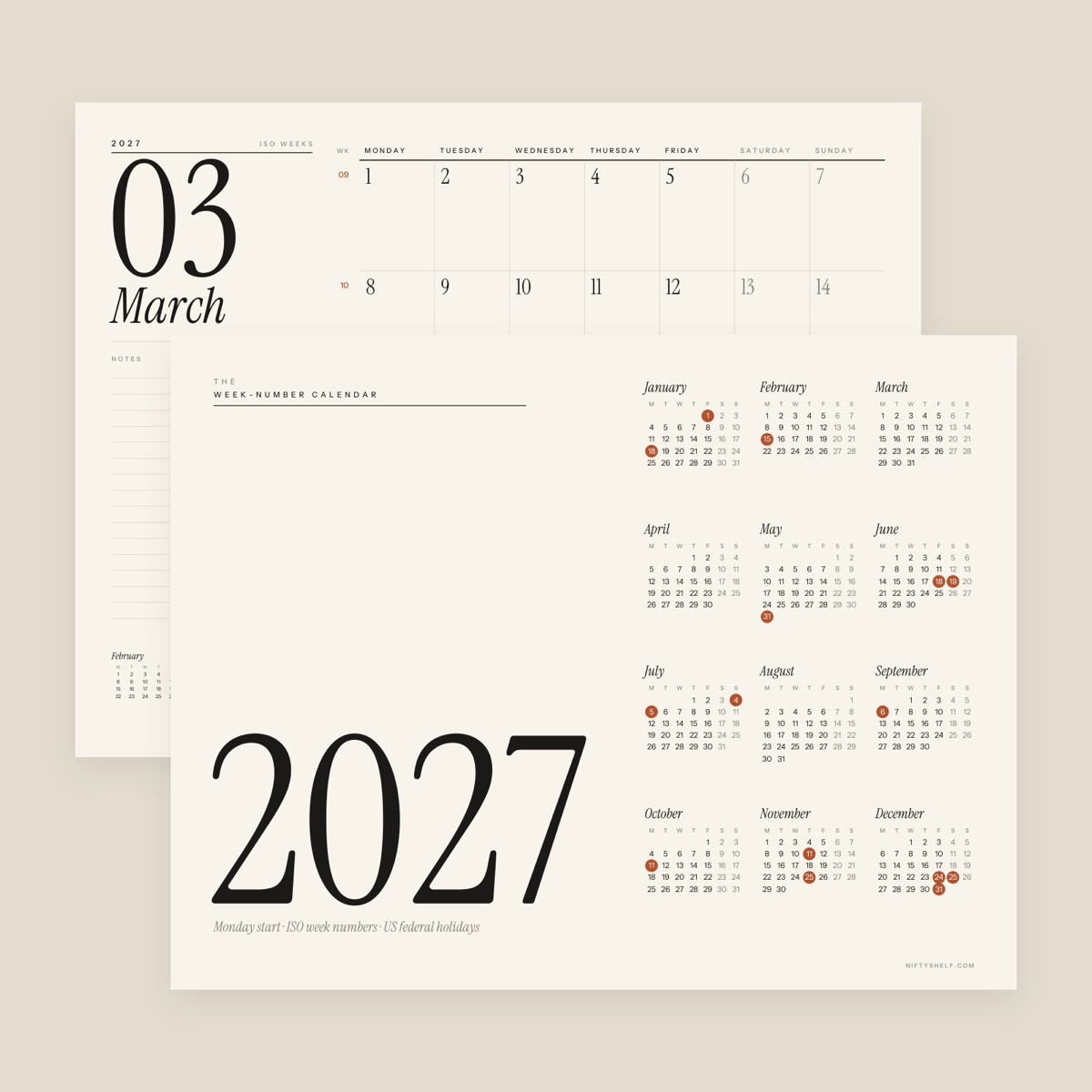
The monthly calendar starts on Sunday and has a notes column with three priority lines, lined notes and next month’s mini calendar. If your week starts on Monday, or you plan work by week number, use the 2027 Calendar with Week Numbers instead. Under its ISO rules, January 1–3, 2027 belong to the last week of 2026, so week 1 starts on Monday, January 4.
3. Mark the dates you already know
In one sitting, list 2027’s fixed dates: birthdays and anniversaries, school terms and breaks, booked trips, subscription and insurance renewals, tax deadlines and work launches.
The calendars above already print US federal holidays, including observed days. Several 2027 holidays fall on a weekend, so the day off moves: Independence Day is observed on Monday, July 5, and Christmas on Friday, December 24. If you live elsewhere, add your own public holidays by hand.
Use three colors at most, for example family, work and money. Mark the yearly page with small dots only; details go on the monthly pages, month by month (step 7).
Want the same birthdays on a fridge copy and a binder copy? Open the monthly PDF in Edit PDF and type them onto the right days before printing.
4. Combine your pages into one PDF
Four separate files mean four chances to get a print setting wrong. Combine them first:
- Unzip each download. Each ZIP holds a US Letter and an A4 PDF. Pick one size for every file.
- The yearly file has two pages, Sunday start and Monday start. Keep the one that matches your monthly calendar with Split PDF (type “1” or “2”).
- Drop the files into Merge PDF: yearly page, goal planner, monthly calendar. Fix the order with the arrows and merge.
- Check the thumbnails in Rearrange PDF Pages. Some people drag the goal planner’s monthly focus table right behind the yearly page.
- Optional: Add Page Numbers to PDF with a small number in a bottom corner and “Skip the first page” ticked, so loose pages go back in order easily.
Keep the weekly sheet as its own file; you’ll print it separately each month.
5. Print it right
- Letter or A4. US Letter is 8.5 × 11 in; A4 is 210 × 297 mm, a little narrower and taller. Use the file that matches the paper in your tray.
- Scale 100%. Choose “Actual size” or 100%. “Fit to page” shrinks the grid.
- Orientation. The monthly calendars and the yearly page are landscape. Check the print preview before printing 20 pages.
- Single-sided monthly pages. Date boxes and lined notes are easier to write on when nothing shows through, and a single-sided page can hang on a wall. The goal planner can go double-sided; test two pages first.
- Paper. Regular 80 g/m² (20 lb) paper is fine. Print the yearly page on cardstock of about 175–215 g/m² (65–80 lb cover) so it doubles as a sturdy front cover, using the manual feed if your printer has one.
- Ink. If the color accents drain your ink, Grayscale PDF converts the pack to black and white. Pages become images, so keep the original. The weekly to-do list already includes a print-friendly version without a background.
6. Bind it at home
- Binder. A standard US three-hole punch fits any three-ring binder; A4 binders usually take two or four holes 80 mm apart. Punch landscape pages along the top edge so the months flip up like a desk calendar.
- Wall. A binder clip on a nail turns the monthly pages into a wall calendar. Flip finished months to the back instead of tearing them off.
- Reinforce. Pages you turn daily tear at the holes by spring; reinforcement stickers help.
- Pocket. A clear sleeve at the front holds the current weekly sheet and appointment cards.
7. Run a 15-minute setup on the last Sunday of each month
This routine keeps the system alive. Find the last Sundays on your yearly page (January’s is the 31st) and set a repeating phone reminder.
- Minutes 0–3: Review. Tick off this month’s finished priorities and circle what didn’t happen.
- Minutes 3–7: Copy down. Move next month’s dots from the yearly page onto the monthly grid, with times and details. Write that month’s focus from the goal planner at the top of the notes column.
- Minutes 7–10: Choose three priorities. No more than three. Unfinished items either move here or get crossed out on purpose.
- Minutes 10–15: Print the weeks. Print four or five weekly sheets, write the “week of” date on each and copy in that week’s appointments.
Do a dry run first: print the December 2026 Calendar and run the routine on Sunday, November 29, 2026. Run it again on Sunday, December 27 to set up January, and your planner starts 2027 already working.
8. Keep it going all year
- Five minutes every Sunday evening. Look at the coming week on the monthly page and fill in the weekly sheet.
- Quarterly check-in. At the end of March, June, September and December, fill in the goal planner’s quarterly review.
- The restart rule. If you miss three weeks, don’t backfill. Do the 15-minute setup for the current month and carry on.
- A spare page. Keep a Blank Monthly Calendar (Fill-In) in the back for a month you want to redo, or to sketch early 2028.
Common mistakes
- Mixing Letter and A4 files, or Sunday- and Monday-start pages, in one pack
- Printing with “Fit to page”, so every date box shrinks
- Printing 53 weekly sheets in November and abandoning them by February
- Writing appointments on the yearly page instead of dots
- Using six highlighter colors and forgetting what they mean
- Treating a missed month as failure instead of restarting with the current one
FAQ
Should I choose a yearly, monthly or weekly calendar?
If you print only one, choose monthly: it holds appointments and priorities without needing a page every week. Add the yearly page for long-range dates, and weekly sheets only if your days vary a lot.
How many pages is a full 2027 planner?
The pack in this guide is 20 pages: one yearly page, six goal-planner pages and thirteen monthly pages. Weekly sheets are extra, printed four or five at a time.
Can I use these calendars outside the US?
Yes. Use the A4 file and add your local public holidays by hand, since the English versions mark US federal holidays. The Monday-start calendar with week numbers suits countries where the week starts on Monday.
Can I print copies for my team or customers?
Yes. Templates are free for personal and commercial use. You can’t resell or re-upload the files themselves; see the license page.
Are my files uploaded when I merge or edit them?
No. Merge PDF, Split PDF, Edit PDF and our other PDF tools run in your browser, so your calendar, with your birthdays and appointments, stays on your device.