Most budgets don’t fail because the math is hard. They fail in week two, when a few receipts never get written down and the sheet stops matching real life. This guide is about building a budget you’ll still be using in March: a handful of categories, a five-minute weekly check-in and a short review at the end of each month.
All you need is a free spreadsheet or a printable planner and a pen, whether you’re budgeting alone, with a partner or for a family.
What you’ll need
- One budget template from our budget templates (a spreadsheet, a printable, or one of each)
- Last month’s bank and card statements, or your banking app
- Your pay slips, or the amounts that actually landed in your account
- About an hour on day 1, then 5 minutes a week and 20 minutes at month end
1. Choose spreadsheet, printable or both
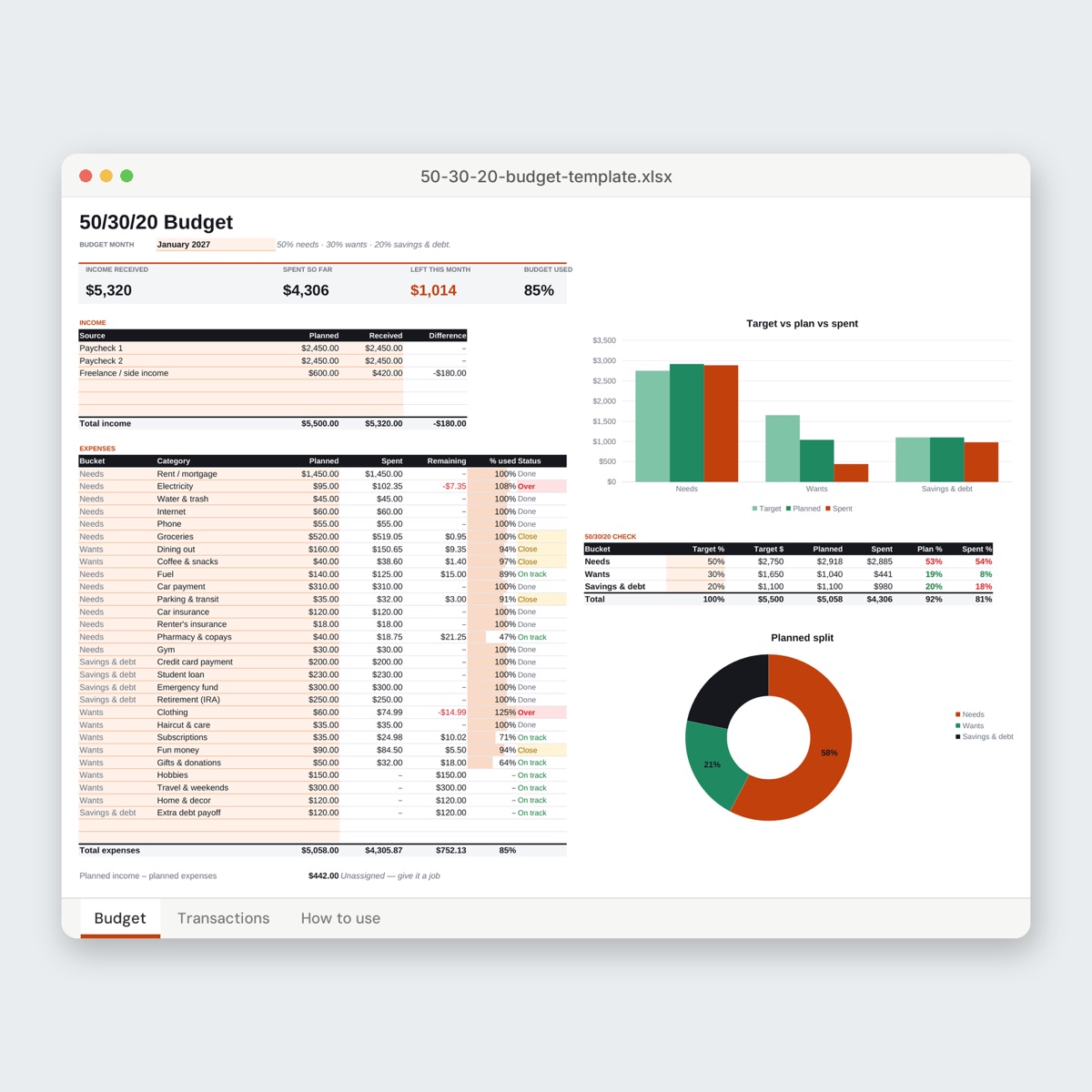
A spreadsheet suits you if you pay mostly by card, like totals that add up on their own and want charts without drawing them. The Monthly Budget Template — Modern has a Budget tab for your plan and a Transactions tab for every purchase. You pick a category from a dropdown and the Spent, Remaining and % used columns update by themselves. Its Status column says “Close” once a category is 90% used and “Over” when you go past the plan.
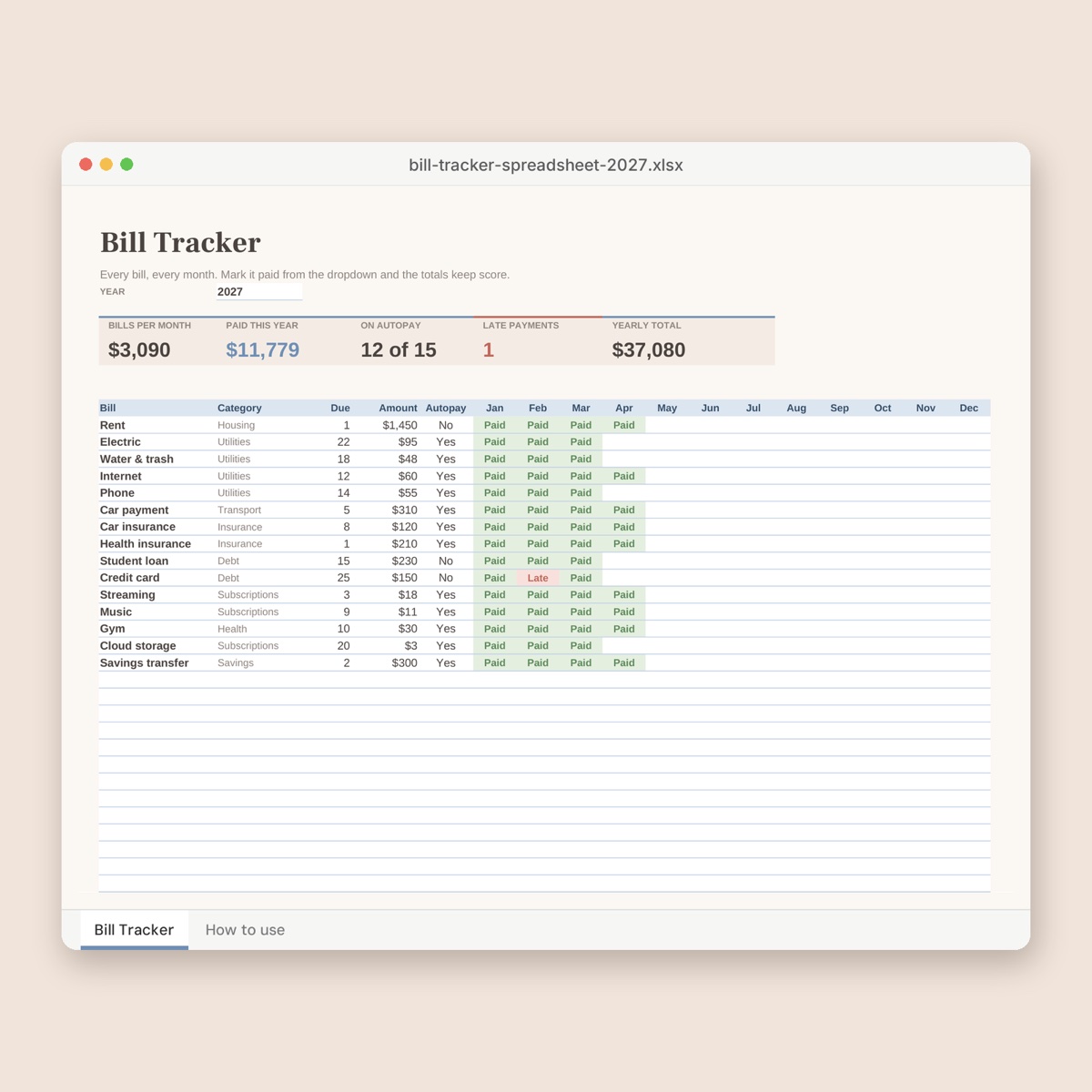
A printable suits you if you think better with a pen, keep the budget on the fridge, or find that writing each purchase down makes you pause before the next one. Money, Mapped: Monthly Budget Planner is three pages: a monthly plan (income, fixed bills, everyday spending, savings & debt, and a “bottom line” box), a spending log, and a 2027 bill tracker with a column for every month.
Both works too: keep the printable log in the kitchen and copy the totals into a spreadsheet on Sunday.
Prefer a set method? The Zero-Based Budget Template assigns income until “Left to assign” reaches $0. The 50/30/20 Budget Template splits take-home pay into needs, wants and savings & debt. Couples sharing costs can use the Household Budget for Families, which works out “who owes whom” by income or 50/50.
2. Find your real monthly income
Use take-home pay, the amount that actually reaches your account, not your salary before tax. If you’re paid twice a month, add both paychecks. If your income changes from month to month, budget with your lowest month from the last six and treat anything above it as a bonus you decide on when it arrives.
3. Set your categories
Start with three groups and no more than 15 to 20 categories, or you’ll spend evenings deciding whether toothpaste is “Household” or “Personal care”.
- Fixed bills: the same (or nearly the same) every month. Rent, utilities, internet, phone, insurance, loan payments.
- Everyday spending: groceries, eating out, fuel and transit, household items, personal care, fun money, gifts.
- Savings & irregular costs: an emergency fund, plus money set aside for things that don’t happen monthly, like car repairs, birthdays, annual subscriptions and holidays.
That third group is where most budgets crack. A $480 yearly bill, like a car service or an annual membership, is really $40 a month. If you don’t set that $40 aside, the bill turns up as a “surprise” even though you knew it was coming. The Sinking Funds Tracker gives you six savings trackers with 30 coins each to color in, plus a ledger page for deposits and withdrawals.
4. Give every dollar a job: a worked example
Here’s a real-looking month for one person taking home $3,800 (two paychecks of $1,900).
| Group | Categories | Planned |
|---|---|---|
| Fixed bills | Rent 1,350 · Electricity 85 · Internet 60 · Phone 45 · Car insurance 110 · Student loan 220 | $1,870 |
| Everyday | Groceries 520 · Dining out 160 · Fuel 140 · Household 60 · Personal care 60 · Subscriptions 35 · Fun money 120 · Gifts 50 | $1,145 |
| Buffer | Miscellaneous | $85 |
| Irregular costs | Car repairs 80 · Birthdays & holidays 70 · Annual fees 50 | $200 |
| Savings | Emergency fund | $500 |
| Total | $3,800 |
Income minus the plan is exactly $0. That doesn’t mean spending everything; it means every dollar, savings included, has a place before the month starts. The small “Miscellaneous” line is deliberate: the parking ticket and the forgotten school fee have to land somewhere.
5. Day 1: set it up (about an hour)
- Open last month’s statements and sort each transaction into one of your categories. This is your reality check. If you planned $300 for groceries but last month was $540, plan $520, not $300.
- Fill in the plan. In the spreadsheet, type over the sample values in the tinted cells. Everything else is a formula, so leave those cells alone. On the printable, write your fixed bills with their due dates.
- Write your recurring bills once. If you print every month, open the blank planner in Edit PDF, type your rent, internet and phone lines into the Fixed bills table and save that version. You’ll only fill in the amounts that change.
- Set the month. On the Modern template, type any date in the month into the cell at the top. Purchases dated outside that month turn red on the Transactions tab, so a stray January receipt in February is easy to spot.
6. Week 1 and the weekly check-in
Log purchases as they happen, or at least every evening. Card payments show up in your bank app, but cash and small transfers are forgotten within days.
Then pick a fixed weekly slot, like Sunday after dinner, for three questions:
- Is every purchase from this week logged?
- Which category is ahead of the calendar?
- Is any bill due before the next check-in?
“Ahead of the calendar” is the useful bit. On day 15 you’re halfway through the month. If groceries are at $310 of $520, Percentage Calculator tells you that’s 59.6% used, a little fast but fine. At 80% on day 15, plan cheaper meals for the next two weeks now instead of being surprised on the 28th.
Receipts piling up? HEIC to PDF turns iPhone receipt photos into one PDF per month, and Image to Text reads the text off a receipt screenshot so you can copy the amounts. Nothing gets uploaded.
7. The month-end review (20 minutes)
At the end of the month, compare plan and actual for every category. Back to our example:
- Groceries $575 (over by $55) and dining out $210 (over by $50): $105 over in total
- Fuel $118 (under by $22) and household $41 (under by $19): $41 under
- Miscellaneous: $60 used, $25 left
Moving the $41 and the $25 across covers $66 of the $105. The other $39 comes out of next month’s fun money, so the emergency fund transfer stays untouched. Then adjust next month’s plan to match reality: groceries go to $560 and fuel down to $120. A budget that you adjust each month is doing its job.
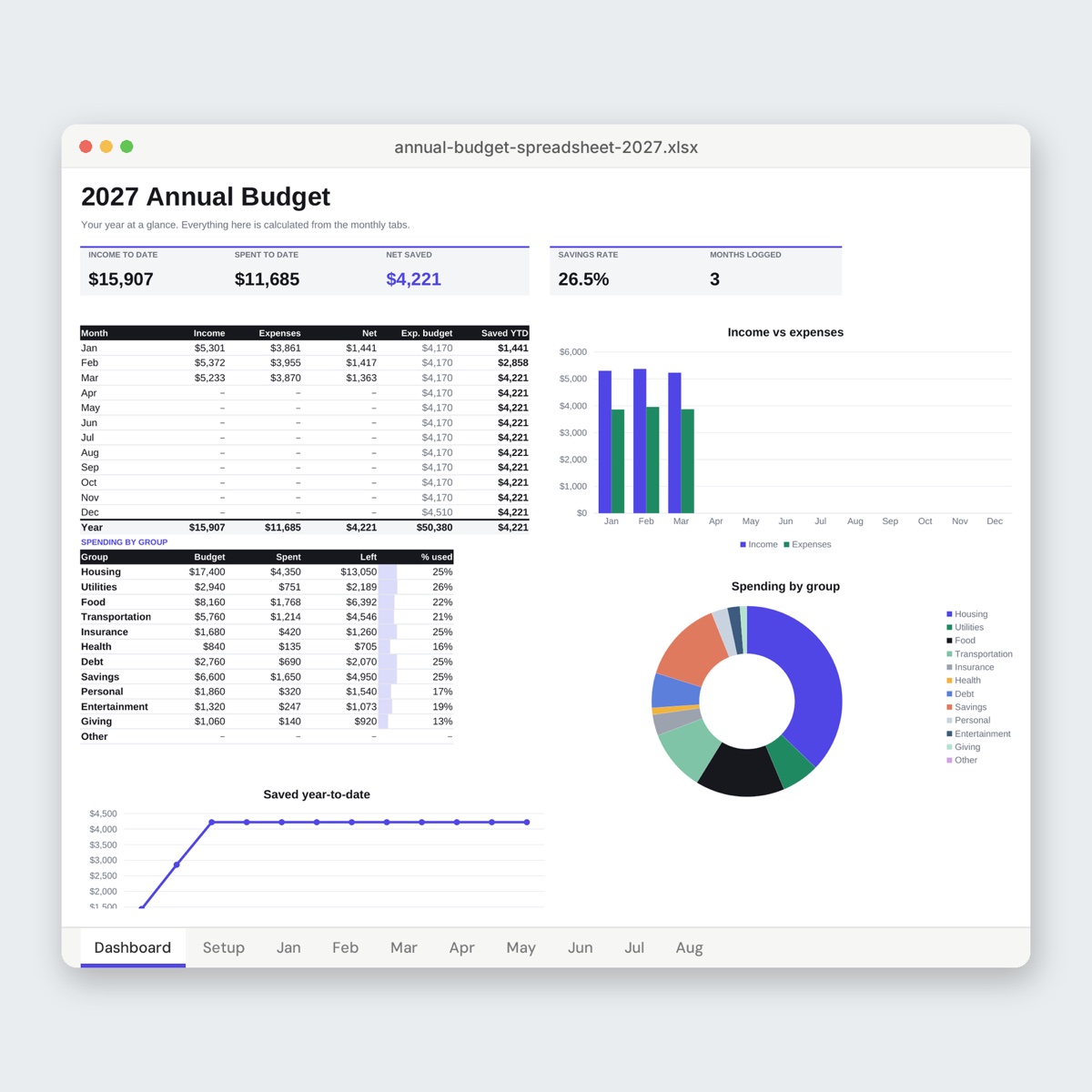
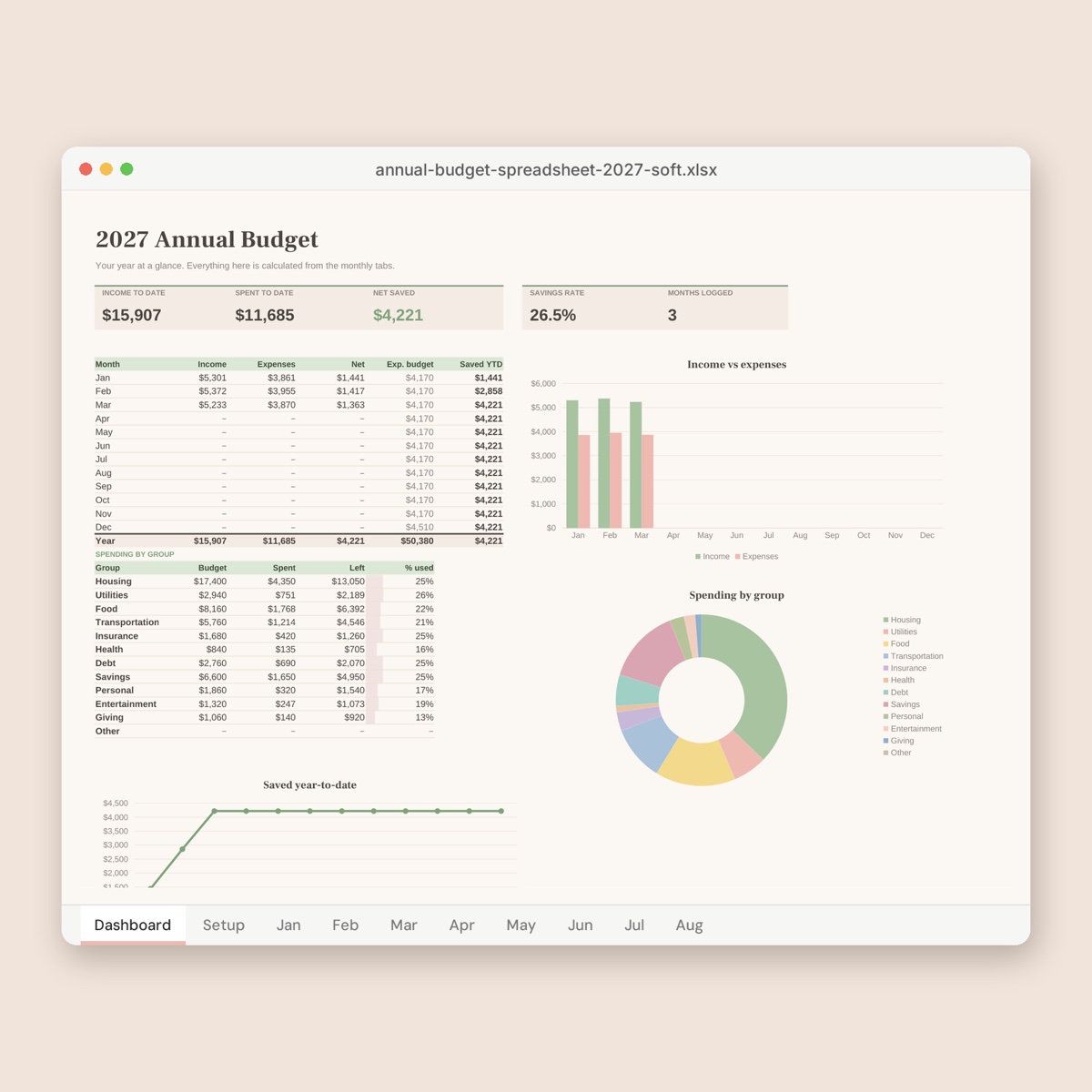
To start the new month in the spreadsheet, save a copy of the file, change the month, then clear the Transactions rows and the “Received” column. On paper, start a fresh planner and fill in the bill tracker’s column for the month you just finished. If you want the whole year in one file, the 2027 Expense Tracker Spreadsheet builds a category-by-month summary from a single list.
8. Printing tips
- Letter or A4. The planner ZIP contains both: Letter (8.5 × 11 in) for the US and Canada, A4 (210 × 297 mm) for most other countries. Print the one that matches your paper.
- 100% scale. Choose “Actual size” or 100% in the print dialog. “Fit to page” shrinks the boxes, and amount columns get cramped quickly.
- Save ink. Run the PDF through Grayscale PDF before printing a year’s worth of pages.
- Make one pack. Combine the planner and the sinking funds tracker with Merge PDF, print a few months at a time and keep them in a folder with your receipts.
For more on editing and combining printables, see How to customize printable templates.
Common mistakes
- Budgeting your gross salary instead of what actually arrives in your account
- Too many categories, like separate lines for coffee, snacks and lunch, which makes logging feel like a chore
- No line for irregular costs, so every annual bill becomes an emergency
- Skipping the weekly check-in and trying to rebuild a whole month from memory on the 30th
- Treating an overspent category as failure instead of moving money across and adjusting next month
- Printing with “Fit to page” and ending up with boxes too small to write in
FAQ
Should I use a spreadsheet or a printable budget?
Use the one you’ll actually open every week. Spreadsheets add up and chart for you; paper makes every purchase visible. Many people use a printable log during the week and a spreadsheet for monthly totals.
Do the spreadsheet templates work without Excel?
Yes. They’re standard .xlsx files with formulas and no macros, so they open in most spreadsheet apps, including free ones. To change the currency, select the money cells and change the number format; the formulas keep working.
What if my income is different every month?
Build your plan on your lowest typical month. When a bigger month comes in, decide where the extra goes, such as the emergency fund or an irregular-cost line, before you spend any of it.
Is my budget data uploaded anywhere?
The templates are files you download and keep on your own device. Our PDF and image tools mentioned here run in your browser, so your receipts and statements never leave your computer.